ONBOARD AUGUST RELEASE
ONBOARD VISIBLE CHANGES
Onboard: Profile Picture
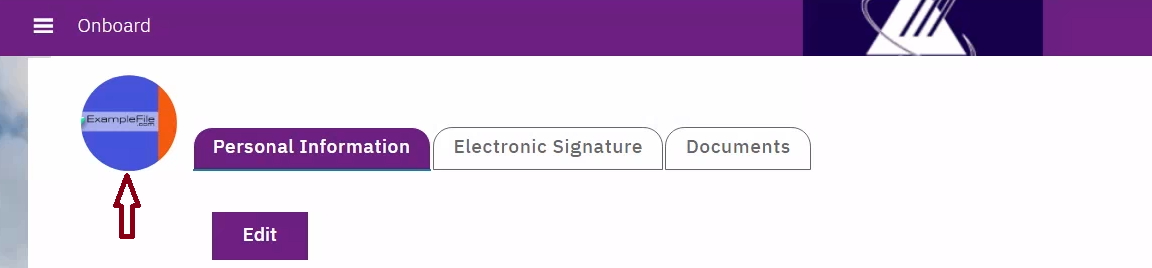
Starting with this release, candidate profile pictures uploaded in Talent Gateway are automatically displayed on Onboard. Once a profile picture is uploaded and shared through the integration, the same image is synchronized and displayed consistently across both applications.
As a result:
If a profile picture exists in BrassRing Talent Gateway, it automatically displays in Onboard.
If no profile picture is available, users have the option to upload one directly from Onboard.
The interface provides two icons:
Upload: Allows users to upload a new profile picture.
View: Allows users to view the existing profile picture.
Profile pictures can be uploaded in JPG or PNG format, with a maximum supported file size of 2 MB.
Note: With this release, this feature is enabled only for New Hires who have a Candidate Reference Number. Support for Administrators and other user roles will be introduced in a future release. Additionally, this feature is not currently available for New Hires created directly in Onboard.
Internal Reference Azure Board # 63770.
ONBOARD CONFIGURATION CHANGES
Onboard Admin: Clone Form
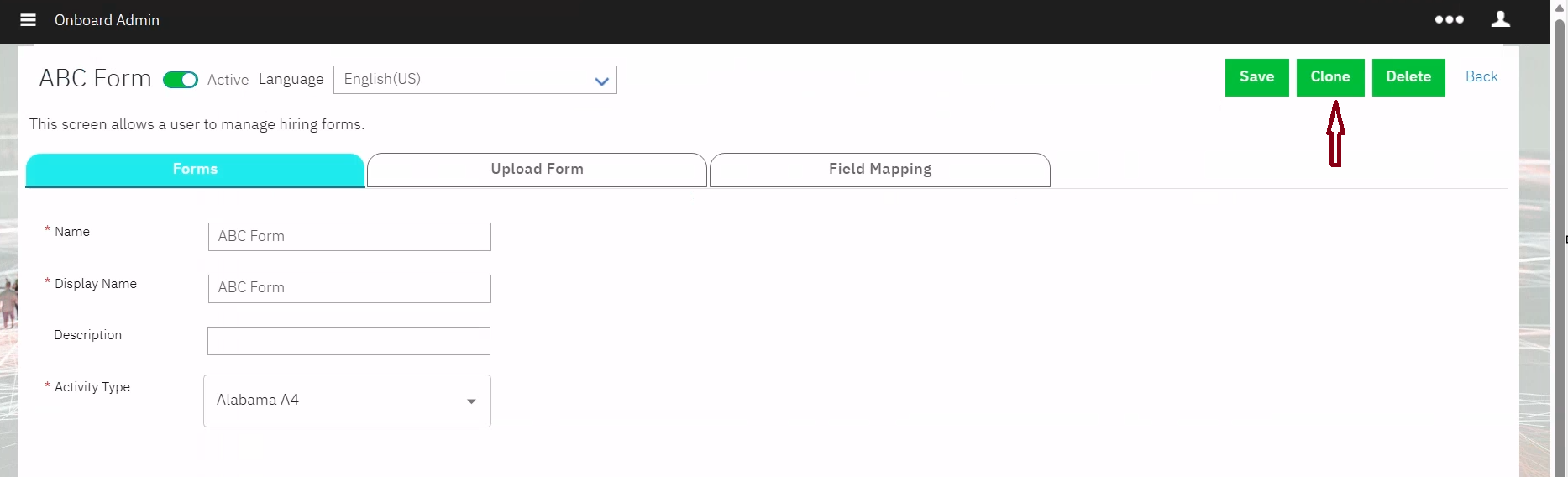
Starting with this release, a Clone (or Copy) option is available for all existing forms.
When a user selects the Clone/Copy option, a new form is created based on the selected form's configuration.
A unique name must be provided for the cloned form before saving.
All fields, sections, rules, settings, and PDF configurations are copied to the new form.
Users can review and modify any part of the cloned form before saving it.
Internal Reference Azure Board # 66837.
ONBOARD FIXED DEFECTS
There are no new defects in the current release.