Previously, when the Lead Manager application utilized Acoustic Campaign as its email vendor, email content was stored, allowing clients to log in and review emails sent to leads.
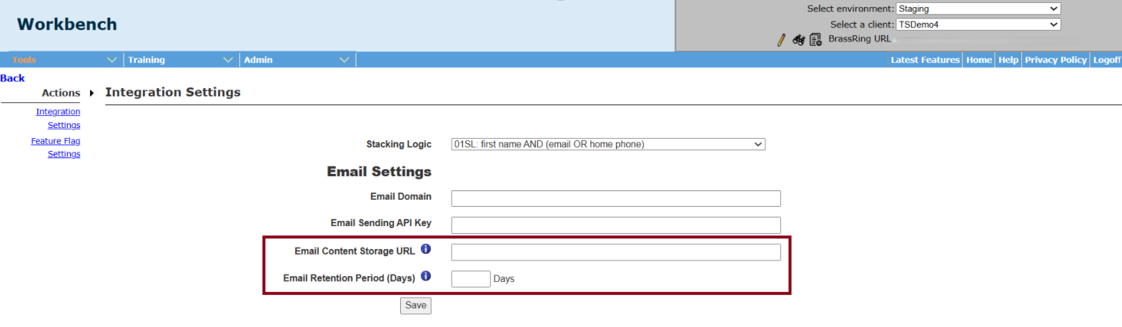
Now, the following two new settings have been introduced in the Lead Manager Integration Settings within the Workbench application. Depending on the configured settings, the email content is directed to the appropriate storage destination based on the client's configuration—either within Lead Manager's internal storage or a client-defined URL. This method enables clients to keep a copy of the fully rendered email content at the time of sending and provides easy access to it within Lead Manager.
Email Content Storage URL - Configure a custom URL to store Lead Manager email content. To use our internal storage, please contact your CSM to submit a request.
Email Retention Period (Days) - Number of days to retain the email content stored using our internal storage (max 450 days)
Path: Workbench >> Tools >> Lead Manager >> Actions >> Integration Settings >> Email Settings