Lead Manager: Email Templates – Attachments
Previously, when the Lead Manager application used Acoustic Campaign as the email vendor, users were able to include attachments in their email templates. However, after migrating away from Acoustic, this capability was missing in the Lead Manager email template configuration.
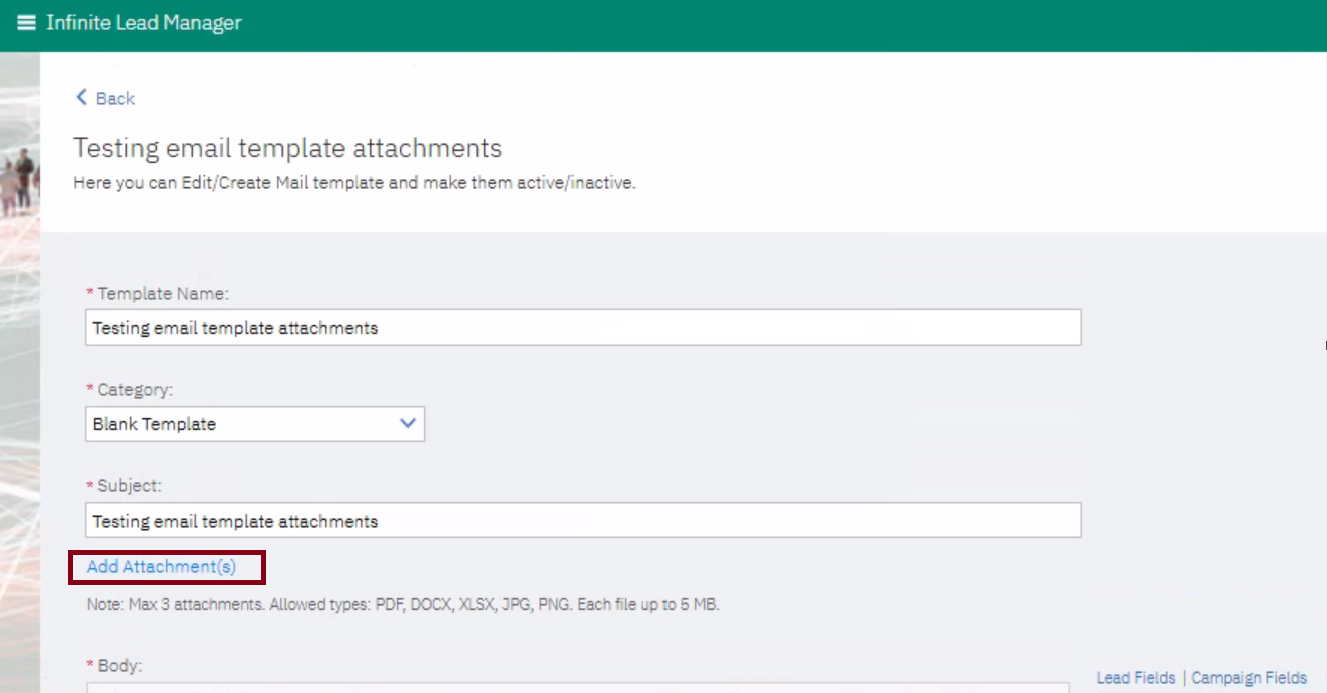
With this release, Lead Manager users can now upload and attach files to their email templates. These attachments are automatically included when emails are sent to leads.
Note: A maximum of 3 attachments can be uploaded. File types allowed: PDF, DOCX, XLSX, JPG, PNG. Each file is up to 5 MB.
Path: Lead Manager >> Hamburger icon >> Manage Email Templates >> Email Templates >> Create or Edit templates
Internal Reference Azure Board # 64270.